Mobile Access Sports Betting Casino Games No App Needed English Interface

gme777 Download – Access Sports, Casino & Bingo on Any Mobile Device in the Philippines

You do not need to install a separate app to enjoy gme777. This page explains how to access the full platform — sports betting, casino-style games, bingo, and more — directly from your mobile browser, anywhere in the Philippines.

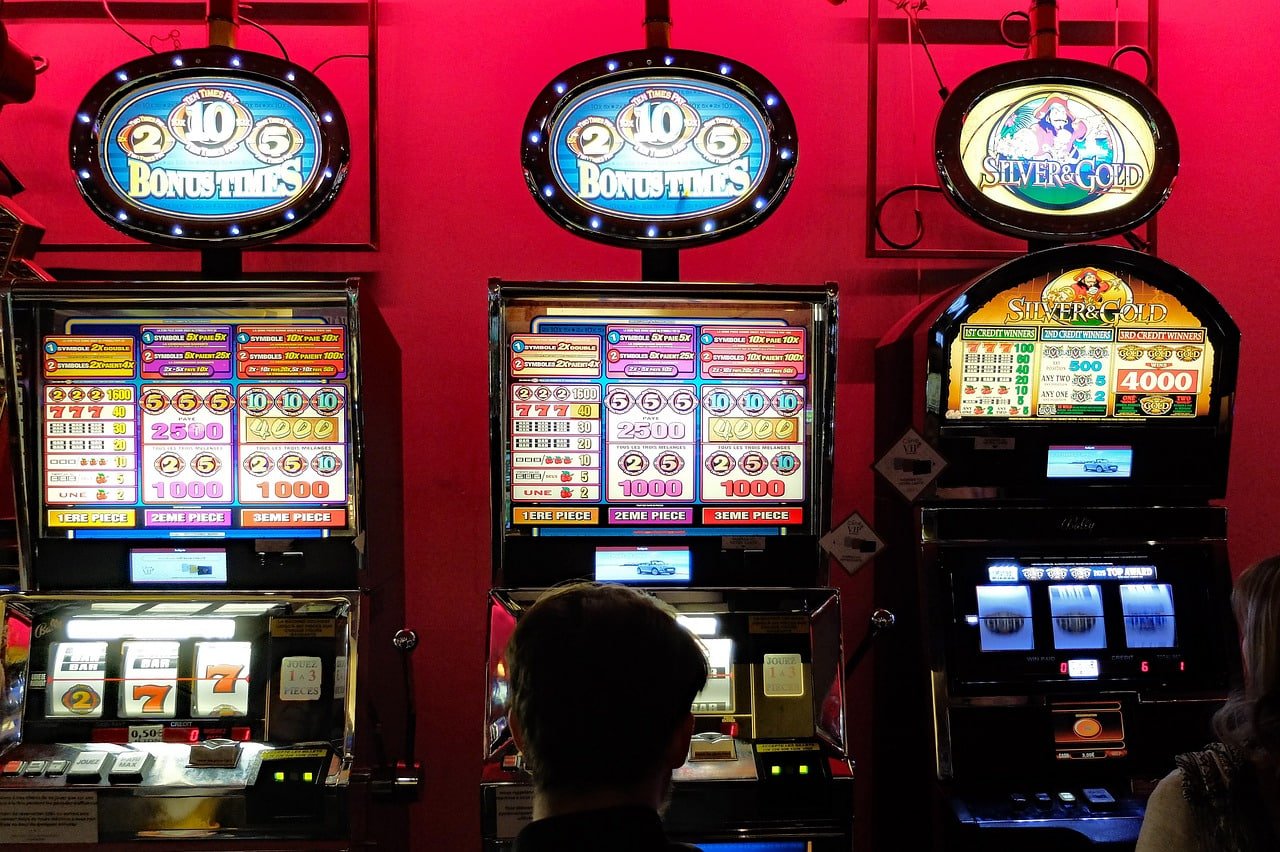
gme777 mobile browser access for Philippines players on Android and iOS
Browser-Based Access Android Ready iOS Compatible Basketball Betting Football Coverage Casino-Style Games Bingo Rooms Live Betting PHP Payments Secure Platform Free Registration Browser-Based Access Android Ready iOS Compatible Basketball Betting Football Coverage Casino-Style Games Bingo Rooms Live Betting PHP Payments Secure Platform Free Registration

Do I Need to Download an App to Use gme777?

No — gme777 is fully accessible through any modern mobile browser without requiring a separate app download or installation. Simply open Chrome, Safari, or your preferred browser on your Android or iOS device, navigate to gme777, and you are ready to play. The platform is optimised for mobile screens and loads quickly even on standard mobile data connections common across the Philippines. All sections — sports betting, casino-style games, bingo, and the bet section — are available through the browser-based experience. If you prefer a shortcut, you can add gme777 to your home screen directly from your browser for one-tap access anytime.

Everything You Get Without Installing Anything

Full platform access, right from your browser — here is what gme777 delivers on mobile.

Works on Any Device

gme777 runs smoothly on Android phones, iPhones, and tablets without any app installation. The layout adjusts automatically to your screen size, giving you a clean and comfortable experience whether you are on a budget Android handset or the latest iPhone. No storage space is used on your device, and you always get the most up-to-date version of the platform every time you open your browser.

Sports Betting on the Go

Access the full Sports section from your mobile browser and follow basketball, football, and other major sports popular among Filipino fans. Bet lines, match schedules, and event listings are all formatted for easy reading on smaller screens. Whether you are commuting, at home, or watching a game with friends, gme777 keeps your sports betting experience within reach at all times.

Casino & Bingo in Your Pocket

The Casino section and Bingo rooms are fully playable on mobile without any performance compromise. Slot-style games, table game formats, live dealer options, and multiple bingo room types all load directly in your browser. The touch-friendly interface makes navigation and gameplay feel natural on any screen size, so you can enjoy your favourite games wherever you are in the Philippines.

Secure & Always Updated

Because gme777 runs in your browser rather than as a downloaded app, you never need to manually update anything — every time you visit, you are automatically on the latest version of the platform. Your account details and session data are protected through standard web security protocols. This browser-first approach also means there is no risk of downloading an outdated or unofficial version of the platform.

How to Start Playing on gme777 From Your Phone

Four simple steps — no app store visit required.

01

Open Your Mobile Browser

Launch Chrome, Safari, Firefox, or any browser on your Android or iOS device. Make sure you have a stable internet connection — mobile data or Wi-Fi both work well with gme777's lightweight, mobile-optimised platform.

02

Navigate to gme777

Type the gme777 address into your browser's address bar and go directly to the platform. You will land on the homepage where all sections — Sports, Casino, Bingo, Bet, and more — are clearly accessible from the navigation menu at the top of the page.

03

Register or Log In

If you are new to gme777, tap Register to create your free account in just a few minutes. Existing players can go straight to the login page and sign in with their credentials. Once logged in, your full account — including balance, history, and preferences — is immediately accessible.

04

Add to Home Screen (Optional)

For even faster access, use your browser's "Add to Home Screen" option to place a gme777 shortcut directly on your phone's home screen. This gives you one-tap access just like a native app, without taking up significant storage space or requiring any installation from an app store.

Step-by-step guide to accessing gme777 on a mobile phone browser in the Philippines

Device & Browser Compatibility at a Glance

gme777 is designed to work across the devices and browsers most commonly used by players in the Philippines.

Device / OS Recommended Browser Access Type Home Screen Shortcut
Android Phone / Tablet Chrome, Firefox, Edge Full browser access Supported via Chrome
iPhone / iPad (iOS) Safari, Chrome Full browser access Supported via Safari
Windows PC / Laptop Chrome, Edge, Firefox Full browser access Not applicable
Mac / MacBook Safari, Chrome Full browser access Not applicable

All sections of gme777 — including Sports, Casino, Bingo, and Bet — are accessible on all listed devices. No app download is required for any platform.

Once you are set up on mobile, here are the sections worth visiting first.

Sports Betting Section

Basketball, football, and more — all available on your mobile browser with up-to-date match listings and betting options for Filipino sports fans.

Go to Sports

Casino & Live Games

Slots, table games, and live dealer formats — the full casino-style experience loads directly in your mobile browser without any extra software.

Go to Casino

Help & FAQ

Have questions about mobile access, payments, or your account? The FAQ section covers the most common topics for players across the Philippines.

Visit FAQ

Common Questions About Mobile Access

Quick answers to what Philippines players ask most about using gme777 on their phones.

gme777 operates as a browser-based platform, which means you access it directly through your mobile browser rather than through a dedicated app from the Google Play Store or Apple App Store. This approach means you always have the latest version of the platform without needing to manage app updates. Simply open Chrome or Safari on your Android or iOS device and navigate to gme777 to get started. For a more app-like experience, you can add gme777 to your home screen using your browser's built-in option.

gme777 is built with mobile performance in mind, and the platform is optimised to load efficiently even on standard 4G or LTE connections commonly available across the Philippines. The interface avoids heavy unnecessary assets, so pages load quickly and navigation stays responsive. For the best experience, a stable Wi-Fi or 4G connection is recommended, especially when accessing live casino-style games or live sports sections. If you experience any loading issues, the FAQ page has troubleshooting guidance for common connectivity questions.

Yes, the full registration process is available and optimised for mobile browsers. You can create your gme777 account entirely from your phone without needing a desktop or laptop. The sign-up form is short and straightforward — enter your email address, choose a secure password, and complete any required verification steps. Once registered, you can log in and access all sections of the platform immediately from the same mobile browser session.

gme777 supports payment methods commonly used in the Philippines, including mobile banking apps, e-wallets, and local bank transfers — all of which are accessible directly from your mobile browser. Transactions are processed in Philippine pesos (₱), making deposits and withdrawals straightforward for Filipino players. The payment section of your account is fully functional on mobile, so you can manage your funds without switching to a desktop. For a full overview of available payment options, visit the FAQ page after logging in to your account.

On Android using Chrome, open gme777 in your browser, tap the three-dot menu in the top right corner, and select "Add to Home screen." On iPhone using Safari, tap the Share button at the bottom of the screen and then choose "Add to Home Screen." Both methods place a gme777 shortcut icon on your home screen that opens the platform directly in your browser with a single tap. This gives you fast, convenient access without using any device storage for a traditional app installation. The shortcut works exactly like a bookmark but feels much more like a native app experience.
gme777 Philippines players enjoying mobile sports betting and casino games on their phones

Ready to Play? Your Phone Is All You Need.

gme777 is built for mobile-first players across the Philippines. No app download, no complicated setup — just open your browser, register your free account, and start exploring sports betting, casino-style games, bingo, and more right away.